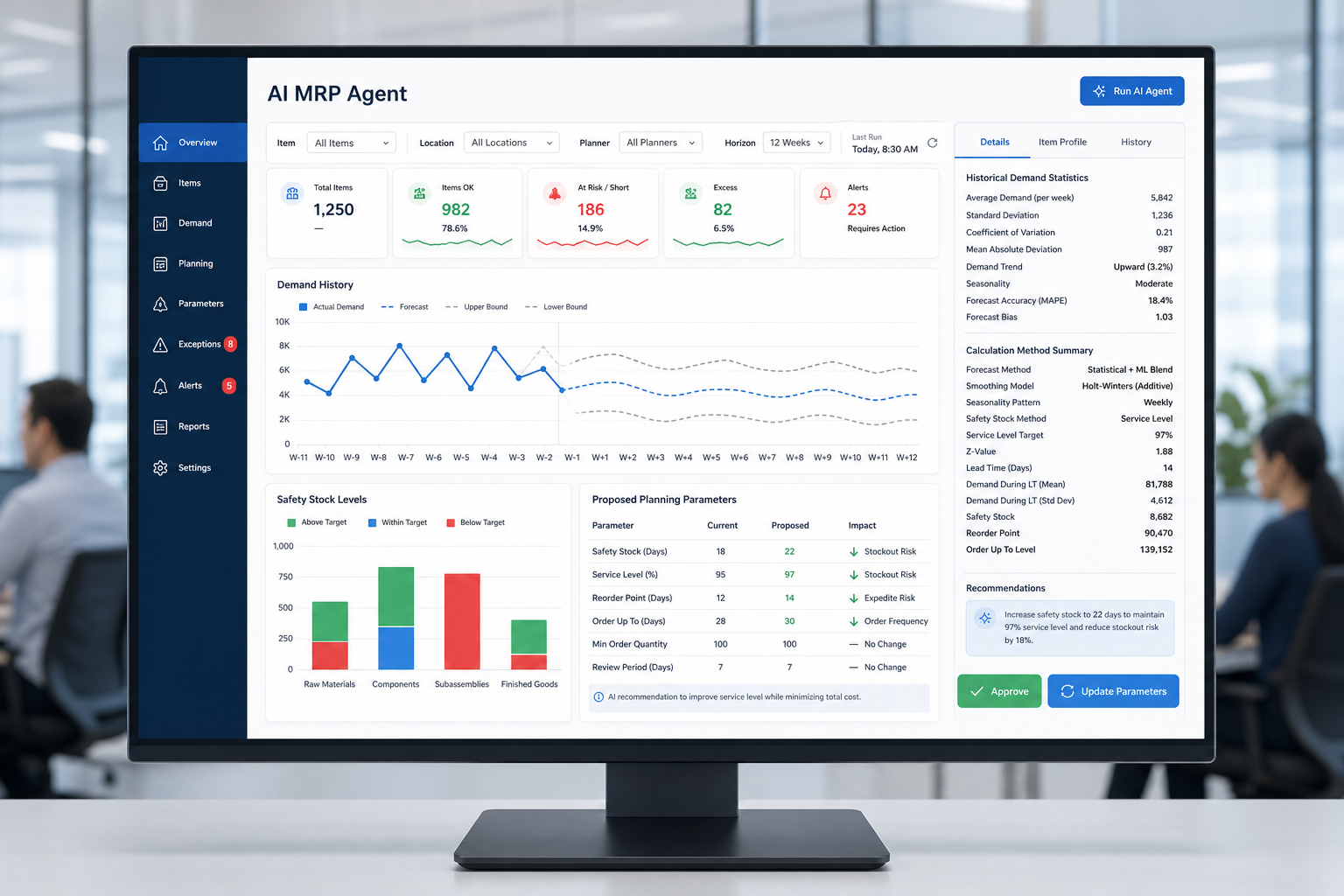
Multi-entity CFOs can use SAP Analytics Cloud for multi-entity financial planning to gain a governed view of financial and operational performance across subsidiaries, business units, currencies, and geographies. Instead of waiting for teams to combine spreadsheets, ERP exports, and local reporting files, finance leaders can work from consistent information that supports capital, margin, inventory, and workforce decisions.
For organizations entering the next multi-entity budgeting and annual planning cycle, reporting and planning cannot remain separate processes. We help mid-market leaders connect SAP Cloud ERP, SAP S/4HANA, SAP Business ByDesign, SAP Business One, SAP BTP, and SAP Analytics Cloud so leadership can act on a shared view of the business. How well these systems work together depends on each organization's data sources, available connectors, data models, and overall architecture. Naming six platforms together does not mean the integration between them happens automatically.
How SAP Analytics Cloud Supports Multi-Entity Financial Planning
With SAP Analytics Cloud, CFOs can bring financial and operational data into a governed performance view. It supports group-wide management reporting and the ability to examine the details behind a result by entity, region, product, customer, plant, or cost center.
It is worth being precise about what that means. SAP Analytics Cloud handles planning, budgeting, forecasting, scenario modeling, and management-level reporting, as described on SAP Analytics Cloud for planning. Statutory financial consolidation, the formal process of producing audited, regulation-compliant consolidated financial statements, typically runs through SAP S/4HANA for Group Reporting instead. The two can be connected, but SAP Analytics Cloud on its own is not a substitute for a statutory consolidation engine.
Too often, finance teams spend the closing period reconciling different report versions before they can begin analysis. That delay makes it harder to determine whether a margin decline comes from rising cost of goods sold (COGS), excess inventory, poor production performance, pricing pressure, or product mix. A trusted view starts with common definitions and disciplined data management, not simply another dashboard.
At DINTEC Consulting, we bring more than 30 years of SAP experience, more than 500 completed SAP projects, and a customer satisfaction rate above 95% to these initiatives. Our focus is helping leadership teams establish reporting that reflects how they actually run a multi-entity organization.
What Does SAP Analytics Cloud Solve For Multi-Entity Finance?
Finance teams can use SAP Analytics Cloud to address the reporting and planning gaps that appear when entities use different currencies, chart-of-accounts structures, reporting calendars, and local processes. Finance can review enterprise results while retaining the context needed to understand each operating unit.
Multi-currency planning deserves particular attention. A report can be technically correct and still create confusion if leaders do not agree on the reporting currency, exchange-rate assumptions, and translation approach. We recommend defining these rules early so entity reports and group-wide management reports lead to the same conclusion.
The measures that matter also differ by industry. A useful performance view may connect financial results with operational drivers such as:
- Revenue, gross margin, operating expense, working capital, and cash flow by entity
- Plant-level overall equipment effectiveness (OEE), scrap, downtime, and material costs for manufacturers
- Inventory turns, fill rates, and customer profitability for wholesale distributors
- Route, fleet, fuel-cost, project-margin, or utilization performance for service and transportation operations
The goal is not to give executives more reports. It is to give them comparable information that explains what is changing and where accountable action is needed.
How Does SAP Analytics Cloud Connect Plans And Actuals?
By connecting actual results with budgets, forecasts, and operational drivers, SAP Analytics Cloud allows CFOs to spot variances earlier and revise plans with greater discipline. This is especially helpful when each entity has developed its budget through a different model, set of assumptions, or reporting tool.
A sound planning process begins with common dimensions, clear ownership by entity and function, and approval workflows that match the organization's decision structure. Financial plans should also connect to the drivers that shape results, including production volume, headcount, freight expense, raw-material costs, sales pipeline, and capacity.
Scenario planning gives executive teams a more practical way to test decisions before changing the operating plan. Finance can assess the likely impact of currency movements, demand shifts, supplier-cost changes, pricing actions, capacity constraints, or acquisition activity. Strong financial forecasting shifts the discussion from "What happened?" to "What should we do if these assumptions change?"
Speed alone is not enough. Governance should cover KPI definitions, master data, plan versions, data refresh timing, security roles, and auditability. Without those standards, a faster planning cycle can still produce inconsistent management reporting.
Which CFO Decisions Improve With SAP Analytics Cloud?
SAP Analytics Cloud can support better CFO decisions by providing timely, comparable information across entities. The best results for CFO analytics come when each report is tied to a specific decision and a regular operating rhythm, whether that is a monthly close review, a forecast update, or an executive performance meeting.
In manufacturing, a CFO may compare actual material consumption, scrap, labor variance, downtime, and OEE by plant. That view can help management separate a pricing issue from a procurement-cost problem, production inefficiency, or an unfavorable product mix.
Consider a typical before-and-after scenario. Before a connected planning environment, a plant controller at a multi-entity manufacturer spends much of the first week of close exporting spreadsheets from each facility, reconciling naming conventions, and manually recalculating combined scrap and labor variance by hand. By the time the numbers are ready, the CFO has only a few days left to act before the next reporting cycle begins. After connecting actuals and plans in SAP Analytics Cloud, the same comparison is available as soon as each plant's data loads, with drill-down to the cost center level already built in. The CFO can spend the extra time investigating the plants with the largest variances rather than assembling the report itself.
Distribution and food-and-beverage organizations may need a different lens. Inventory aging, demand patterns, fill rates, spoilage exposure, warehouse performance, and customer profitability can show where working capital is increasing and where service levels may be at risk.
Professional-services and transportation leaders can compare project margins, utilization, backlog, labor costs, route profitability, and service performance across operating entities. In each case, analytics should lead to a named owner, a decision, and a follow-up measure. Reports without that connection can become another layer of review rather than a management tool.
What Must Be In Place Before An SAP Analytics Cloud Program?
An SAP Analytics Cloud program should begin with a business-led assessment of reporting priorities, source-system readiness, data quality, and governance needs. The correct implementation path depends on the ERP landscape, entity structure, planning maturity, and the decisions leadership needs to improve first.
Before setting scope, we work with finance and operational leaders to answer practical questions:
- Which reports require the most manual effort each month?
- Which KPIs lack one accepted definition?
- Which entities and source systems should be included first?
- Which decisions are delayed because information is incomplete, late, or inconsistent?
- Where do planning assumptions differ across entities or functions?
For many mid-market organizations, a phased approach is the most workable path. The first phase may focus on group-wide financial reporting, monthly close reporting, or planning and forecasting. Later phases can extend into operational analytics and broader enterprise dashboards once the data foundation and reporting standards are in place.
DINTEC Consulting can align SAP Analytics Cloud requirements with SAP Cloud ERP, SAP S/4HANA, SAP Business ByDesign, SAP Business One, and SAP BTP as part of a structured implementation plan, with the actual integration work scoped around each system's connectors, data models, and architecture rather than assumed from the product list alone. The assessment should define business outcomes, reporting ownership, integration needs, implementation phases, and measurable adoption goals before the budgeting calendar creates added pressure.
The practical starting point is to identify the few decisions that need better information most urgently. From there, finance can build a reporting and planning foundation that supports consistent action across every entity, rather than adding one more disconnected reporting process.
Improve Multi-Entity Financial Visibility
DINTEC Consulting helps mid-market finance leaders align analytics design with the reporting, planning, and group-wide visibility demands of complex operations. With more than 30 years of SAP experience and more than 500 completed projects, our team can assess how SAP Analytics Cloud fits your entity structure, data sources, and decision-making priorities. To discuss a focused readiness assessment, schedule a 20-minute call with a DINTEC SAP consultant or contact us to speak with our team.

.jpg?width=520&height=294&name=docusign-7RWBSYA9Rro-unsplash%20(1).jpg)